Online Dog Clicker
A free training clicker in your browser. Tap the big button (or press space) to mark the exact moment your dog gets it right. Pick from four sounds, count your clicks and time your session, then install it to your home screen.
Last updated October 2026
Tap, or press the space bar
- Clicks
- 0
- Session
- 0:00
- Per minute
- —
How clicker training works
The click is a marker: a sound that says “yes, that exact thing earned a reward.” Dogs live in the moment, and words are slow and vary with your mood. A click is identical every time and lasts a fraction of a second, so it pinpoints the behavior you want. Research and decades of practice show it makes learning faster and more fun for both of you.
The rule is simple: click, then treat, every time. The click ends the behavior, and the treat follows within a second or two.
Step 1: Charge the clicker
Before your dog can learn from the click, it has to mean something. This takes two or three short sessions:
- Have 15–20 tiny, soft treats ready.
- Click once, then immediately give a treat. Your dog doesn’t need to do anything.
- Repeat 15–20 times, varying the pause between rounds.
- Test it: when your dog is looking away, click. If they snap their head toward you, the clicker is charged.
Step 2: First behaviors to teach
| Behavior | How to click it |
|---|---|
| Eye contact | Wait. The moment your dog looks at your face, click and treat. |
| Hand target (touch) | Hold your palm near your dog’s nose. Click the instant their nose bumps it. |
| Sit | Lure with a treat over the head. Click the moment their rear touches the floor. |
| Down | Lure from the nose to the floor. Click as the elbows touch down. |
| Go to bed | Click any step toward the bed, then only paws on it, then lying down (shaping). |
| Calm greetings | Click four paws on the floor when someone arrives. See our jumping guide. |
Once your dog reliably offers the behavior, add the cue word just before they do it. Then only click when you’ve asked for it.
Timing tips that make a big difference
- Click during the behavior, not after. Click as the bottom hits the floor, not when your dog is already getting up.
- One click per behavior. Multiple clicks don’t mean “extra good”; they muddy the message.
- Keep sessions short. 3–5 minutes, a few times a day. The timer above helps.
- Aim for a high rate. Beginners do best with 10–15 clicks a minute. If you’re far below that, make the task easier.
- Use tiny treats. Pea-sized for small dogs, so you can do many repetitions.
- End on a win. Finish with something easy your dog loves.
Clicker, whistle or marker word?
All three are markers or cues, and they work together. Use the clicker to teach new behaviors precisely up close. Use a marker word (“yes!”) when your hands are full. Use a whistle for cues at a distance, like recall, with our online dog whistle. Learn more terms in the dog training glossary.
Frequently asked questions
Does an online dog clicker work as well as a real clicker?
Yes. What matters is that the sound is short, distinct and always followed by a reward. Your phone works fine, especially at home and in the garden. A physical clicker is handier on walks because you can hold it with the leash, but the training method is identical.
What is clicker training?
Clicker training uses a distinct sound to mark the exact moment your dog does something right, followed by a reward. Because the click is faster and more precise than saying “good dog”, dogs learn which action earned the treat much more quickly. It’s based on positive reinforcement and operant conditioning.
Do I always have to give a treat after a click?
Yes. Every click is a promise. If clicks sometimes mean nothing, the sound loses its power. The reward doesn’t have to be food every time: play, a toy or a sniff break can also work, but there must be one.
When can I stop using the clicker?
The clicker is a teaching tool. Once your dog reliably does a behavior on cue, you can drop the click for that behavior and reward occasionally with praise and treats. Keep using it for new skills.
My dog is scared of the click. What should I do?
Switch to the Soft click sound, turn the volume down, and keep the phone behind your back or in a pocket. You can also use a marker word like “yes” instead. Pair the sound with amazing treats from a distance until your dog is happy to hear it.
Can I use a clicker with a puppy?
Absolutely. Puppies learn clicker games very quickly. Keep sessions to 2–5 minutes, use tiny soft treats, and start with easy behaviors like eye contact, sit and touching your hand.
Related guides
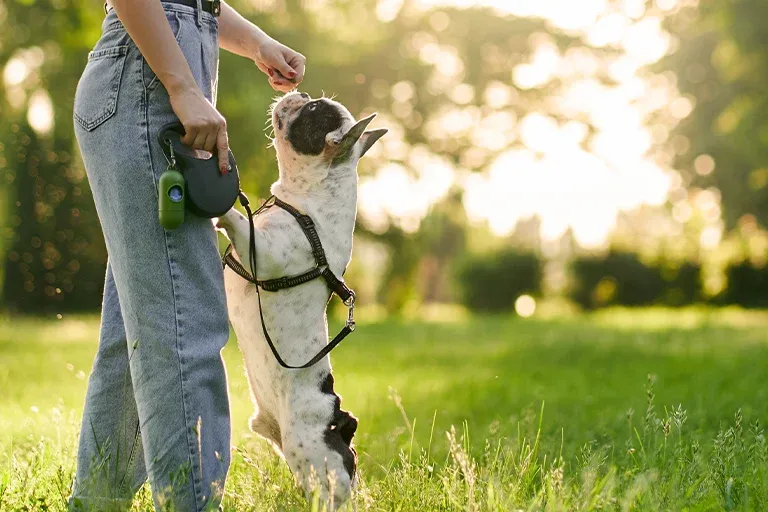
Leash Training a Puppy: Step-by-Step Guide to Loose-Leash Walking
How to leash train a puppy: get them used to the harness, teach loose-leash walking step by step, and fix pulling, leash biting, lunging and refusing to walk.
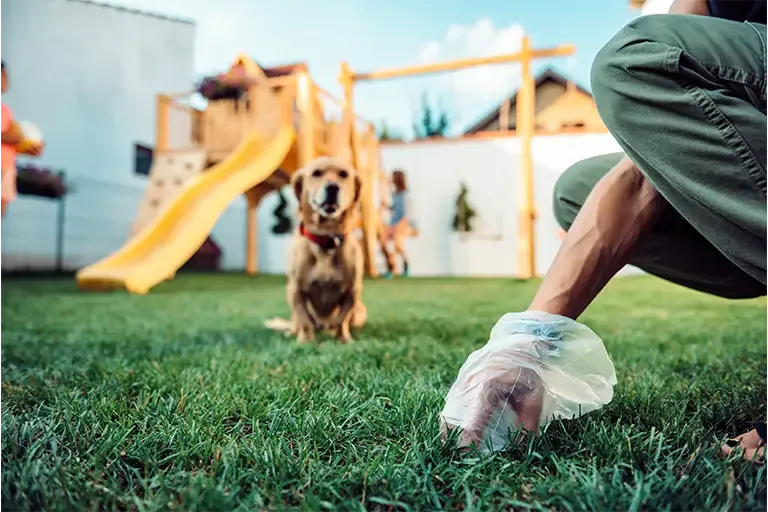
How to Potty Train a Dog: A Complete Step-by-Step Guide
How to potty train a puppy or adult dog: a step-by-step plan, a daily schedule, how long it takes, night-time tips, and how to handle accidents calmly.
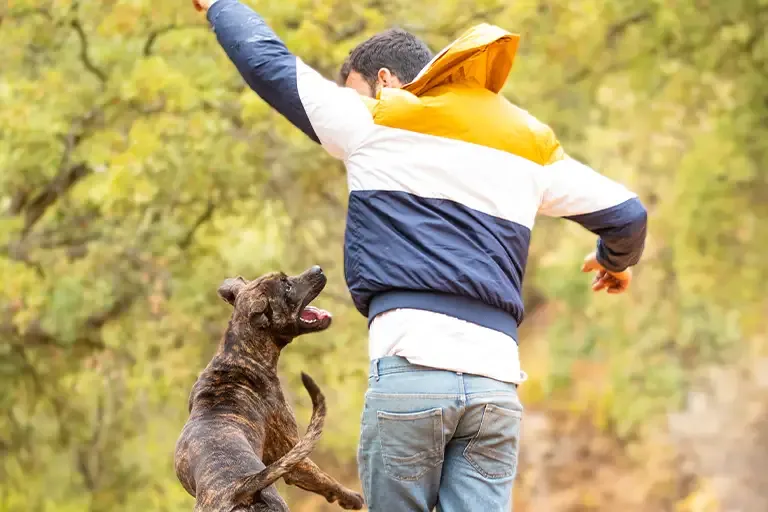
How to Stop Your Dog From Jumping: Fences, People & Counters
How to stop a dog jumping: fence-proofing with extensions and coyote rollers, calm greetings so your dog stops jumping on people, and counter-surfing fixes.
More free dog tools
Sound Desensitization Player
Help your dog get used to fireworks, thunder and the doorbell.
Dog Age Calculator by Breed
Convert your dog’s age to human years, adjusted for size.
Dog Food Calculator
Daily calories and cups for your dog’s weight and age.
Puppy Weight Calculator
How big will your puppy get? Estimate adult weight.
Dog Chocolate Toxicity Calculator
Did your dog eat chocolate? Check the risk in seconds.
Dog Name Generator
Find the perfect name by style, gender and personality.
Pet Behavior Analysis Tool
Answer a few questions to understand what drives a behavior.
Dog Whistle Frequency Simulator
Play adjustable high-frequency whistle tones in your browser.
Glossary for Dog Training
Plain-English definitions of common training terms.